步驟 1
Upload your portrait
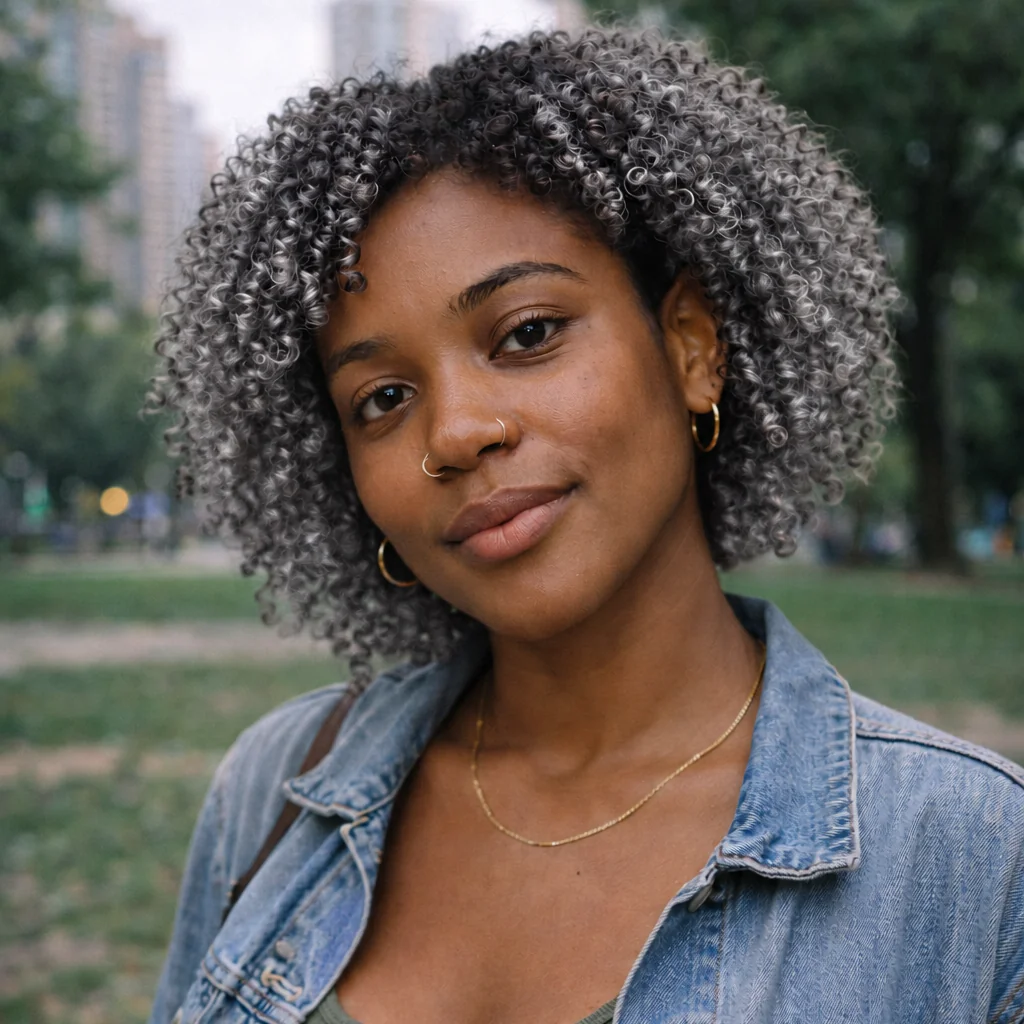
Use the original clear portrait. The same photo is used for all five alternatives.
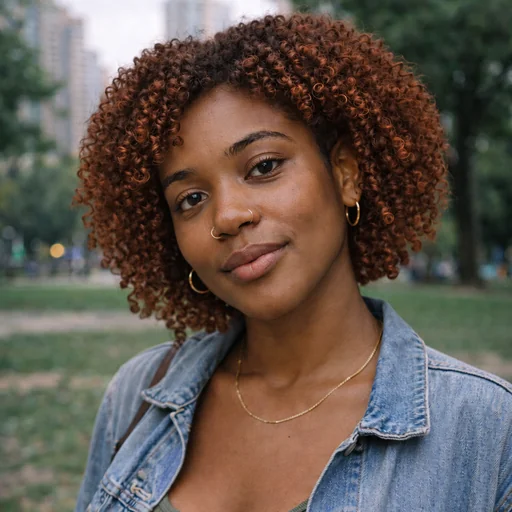
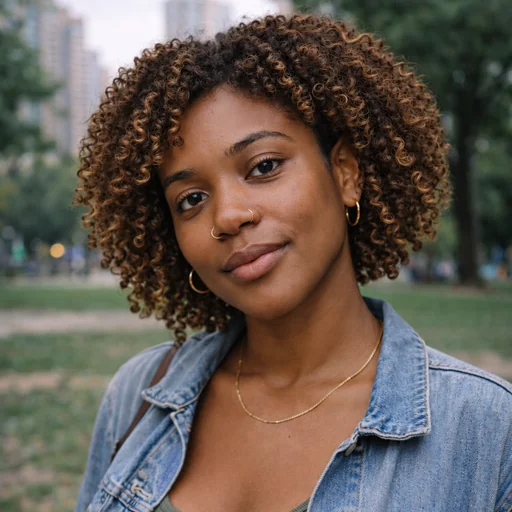
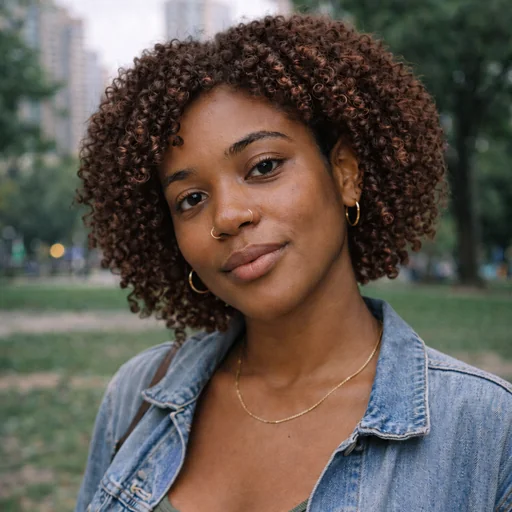
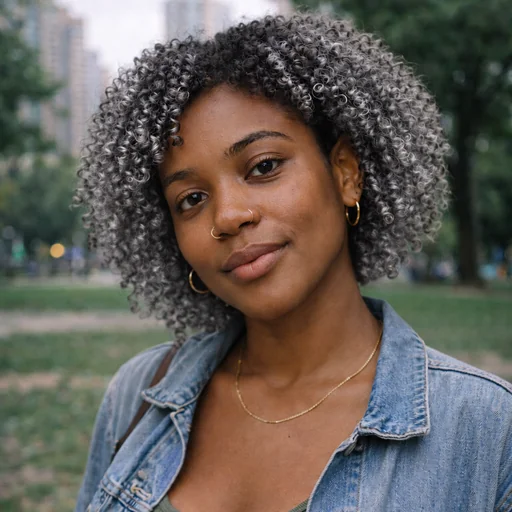
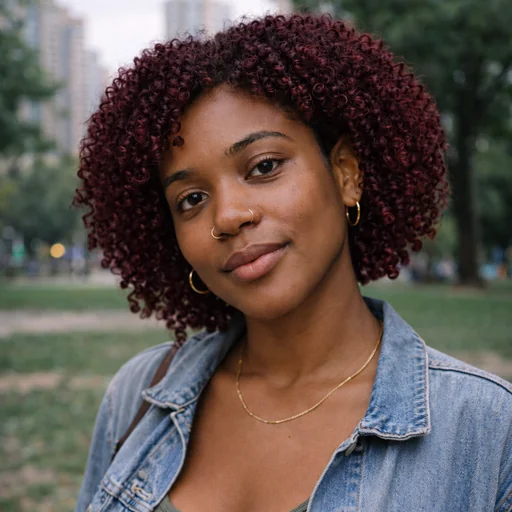
Preview a new hair color on your photo with natural-looking roots, highlights, shadows, and strand detail.
Upload the photo where you want to preview a different hair color.
Describe the shade, roots, highlights, warmth, and intensity you want, then request adjustments in words.
Ask to keep the person’s face, hairline, and texture consistent, then review whether the new shade looks natural.
Color preview
Explore warm, cool, light, or bold hair colors while keeping your face and hairstyle central to each preview.
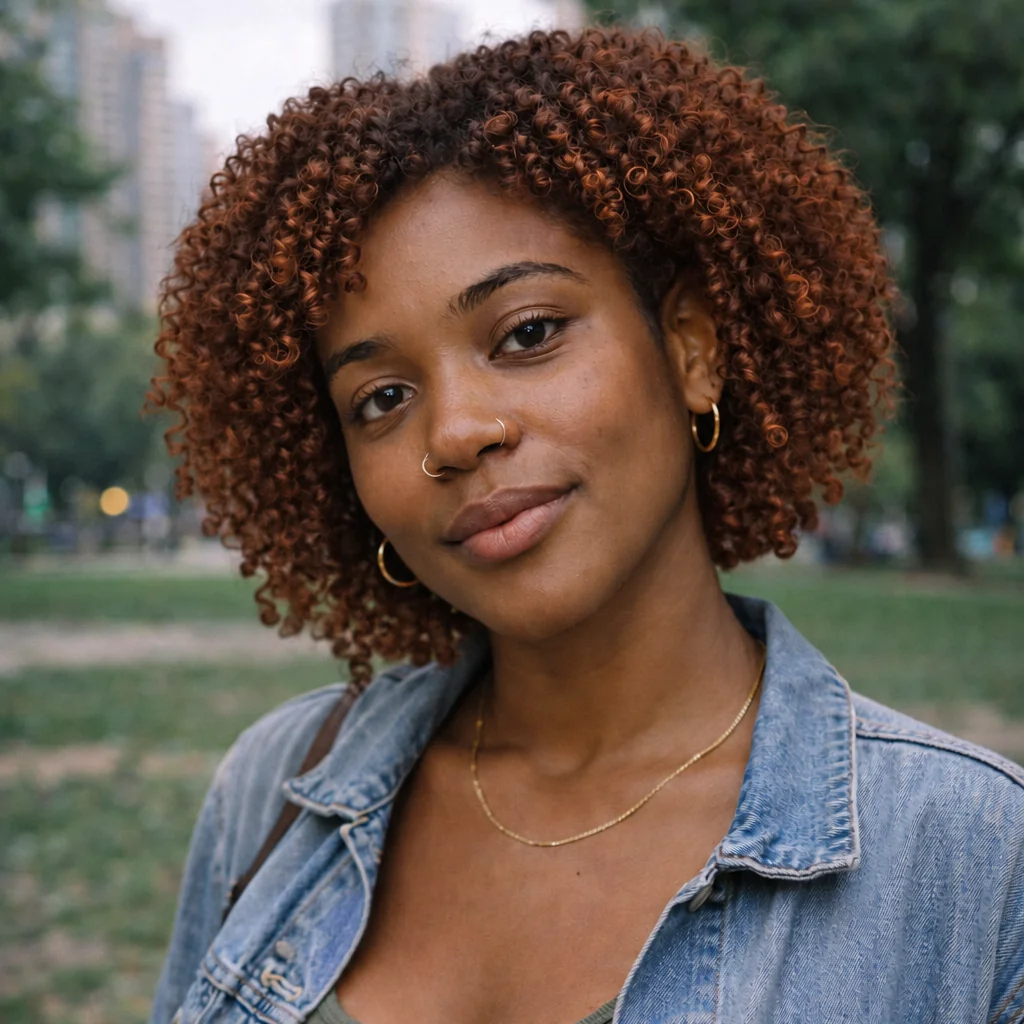
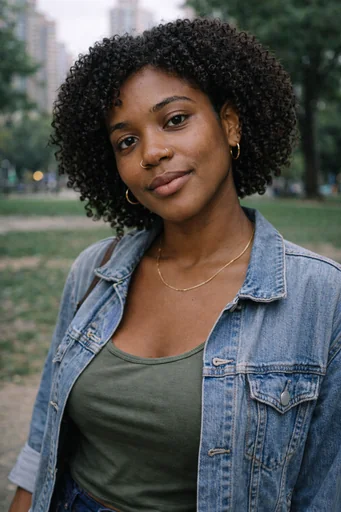
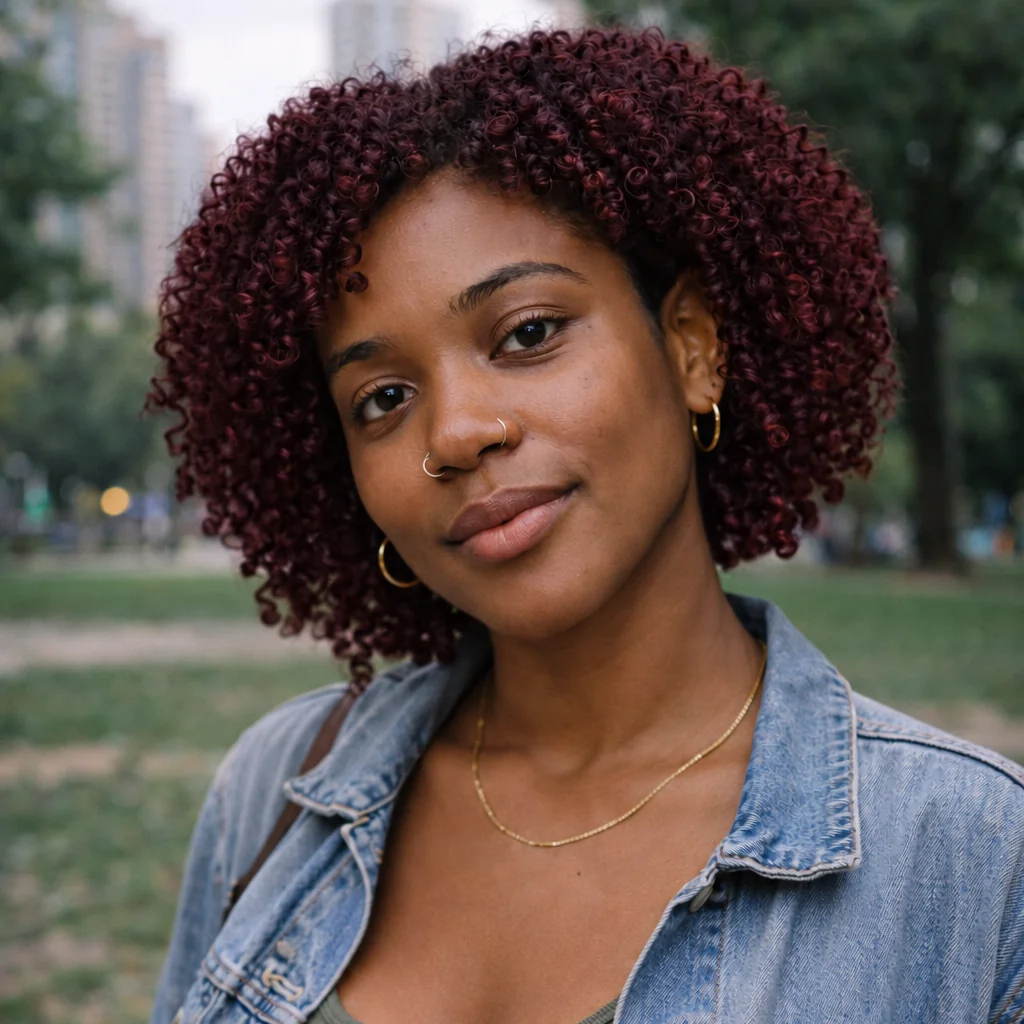
Upload one portrait, describe the hair color to try, then review the result while checking that you remain recognizable.
步驟 1
Use the original clear portrait. The same photo is used for all five alternatives.
步驟 2
Submit this request for natural copper hair color, keeping the person and unaffected details unchanged.
步驟 3
Check the requested hair color, your facial features, hairline and unchanged clothing and background.