步驟 1
Add your portrait
Choose a clear portrait to use as the reference for your palette.
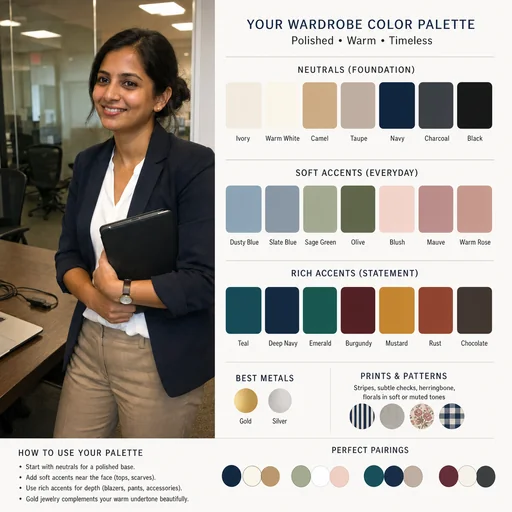
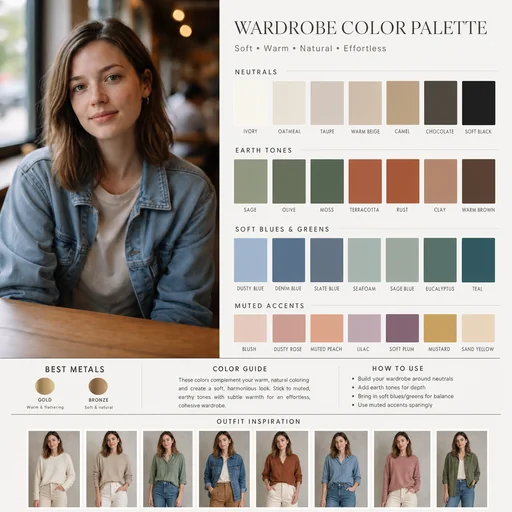
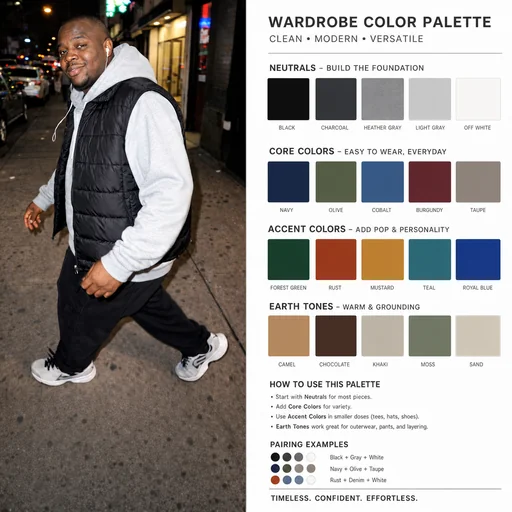
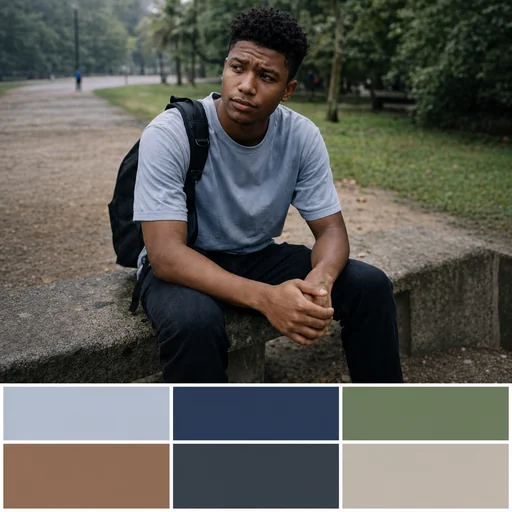
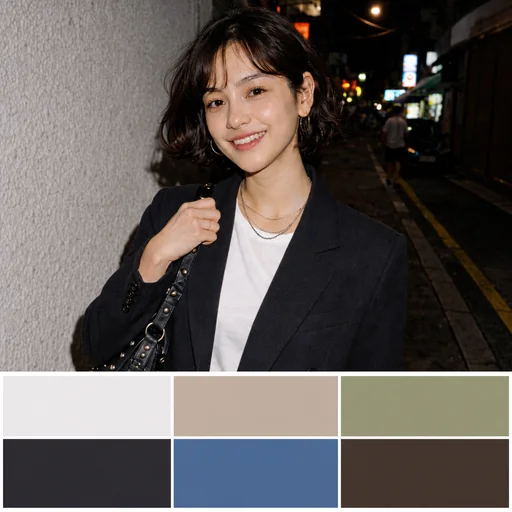
Turn your portrait into a curated wardrobe palette with cohesive swatches that complement your natural skin tone and hair.
Upload the portrait you want analyzed, keeping the original face fully visible.
Describe undertone, contrast level, hair and eye colors, and preferred wardrobe vibes.
Review swatches and ask for tweaks to keep skin tone, facial features, and likeness.
Personal color analysis
Use your portrait to generate organized color swatches and a clear layout that preserve your natural skin tone and facial features.
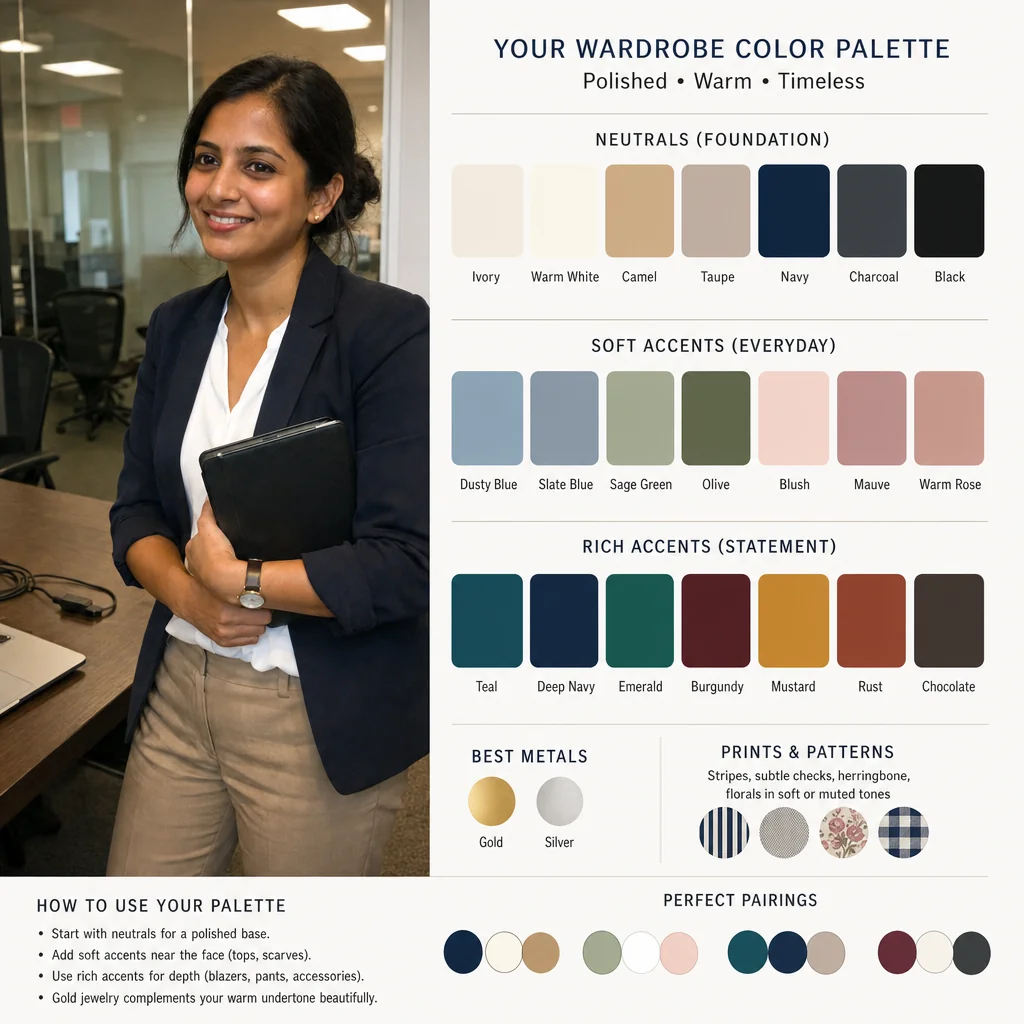

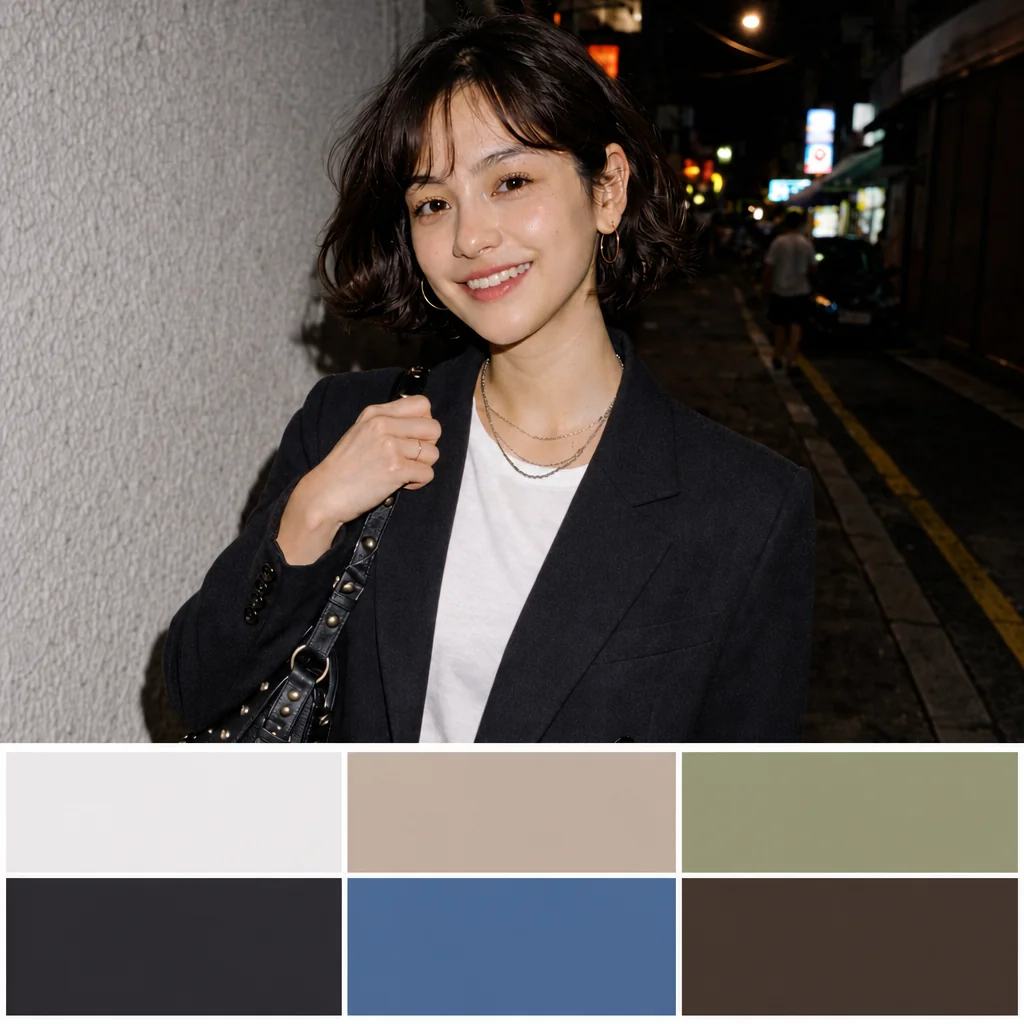

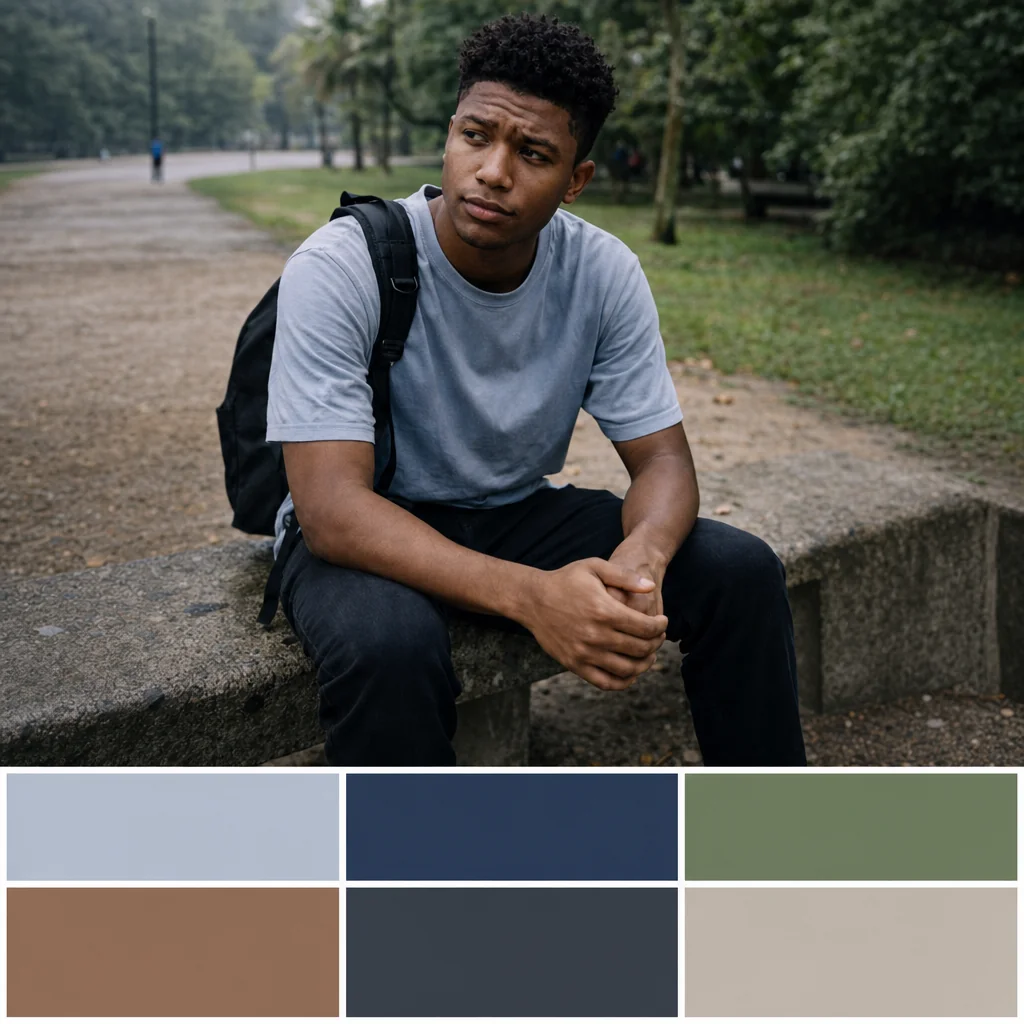

Upload a portrait, request a color palette and review the portrait and coordinated swatches.
步驟 1
Choose a clear portrait to use as the reference for your palette.
步驟 2
Describe the type of palette you want from the attached portrait.
步驟 3
Check that the portrait stays recognizable and the colors work together for your intended use.