Group chats in ChatGPT
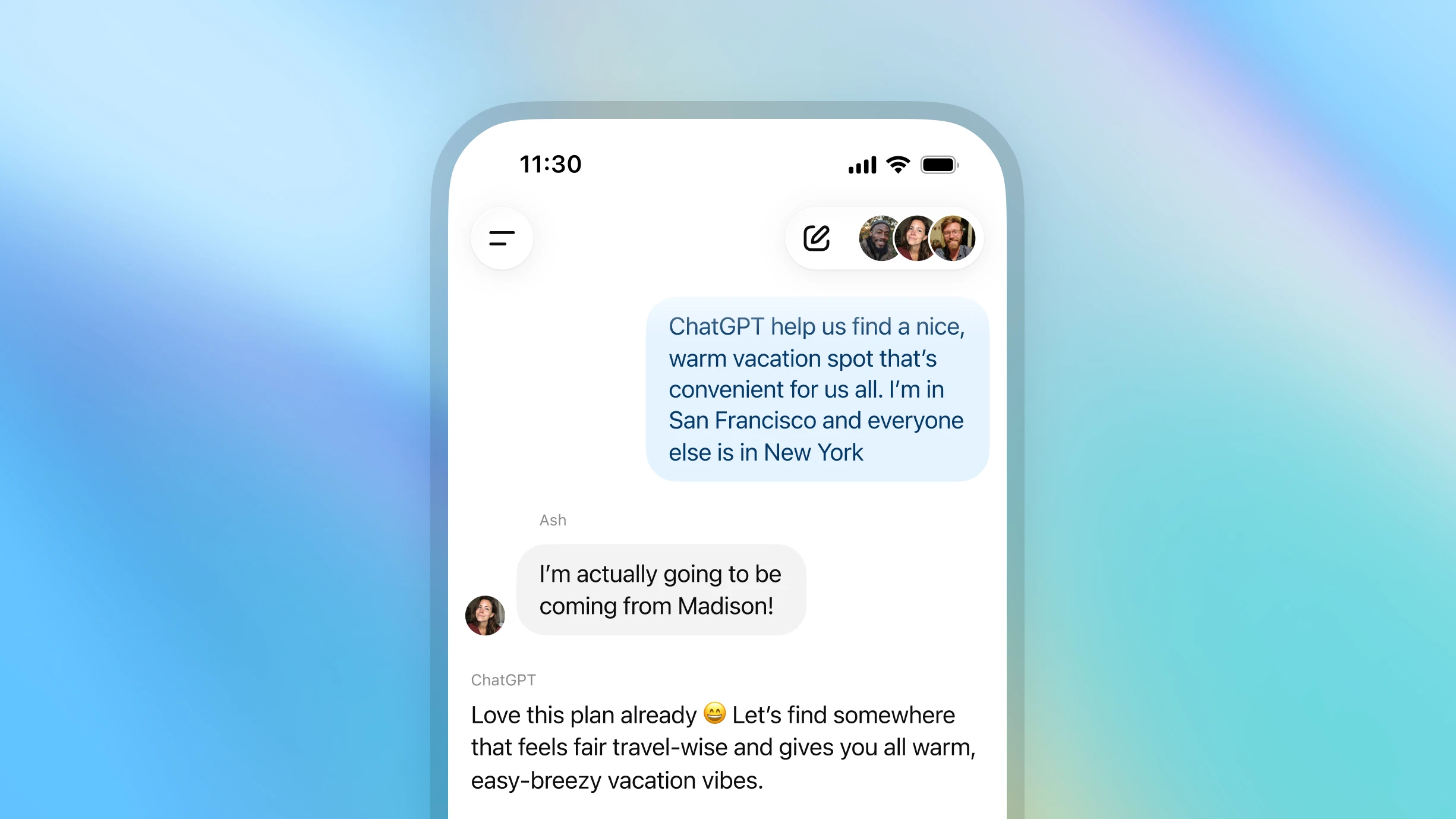
Collaborate with others and ChatGPT to plan trips, brainstorm ideas, study, or make decisions together—all in one chat.

ഗ്രൂപ്പ് ചാറ്റ് ആരംഭിക്കാനുള്ള മാർഗ്ഗം


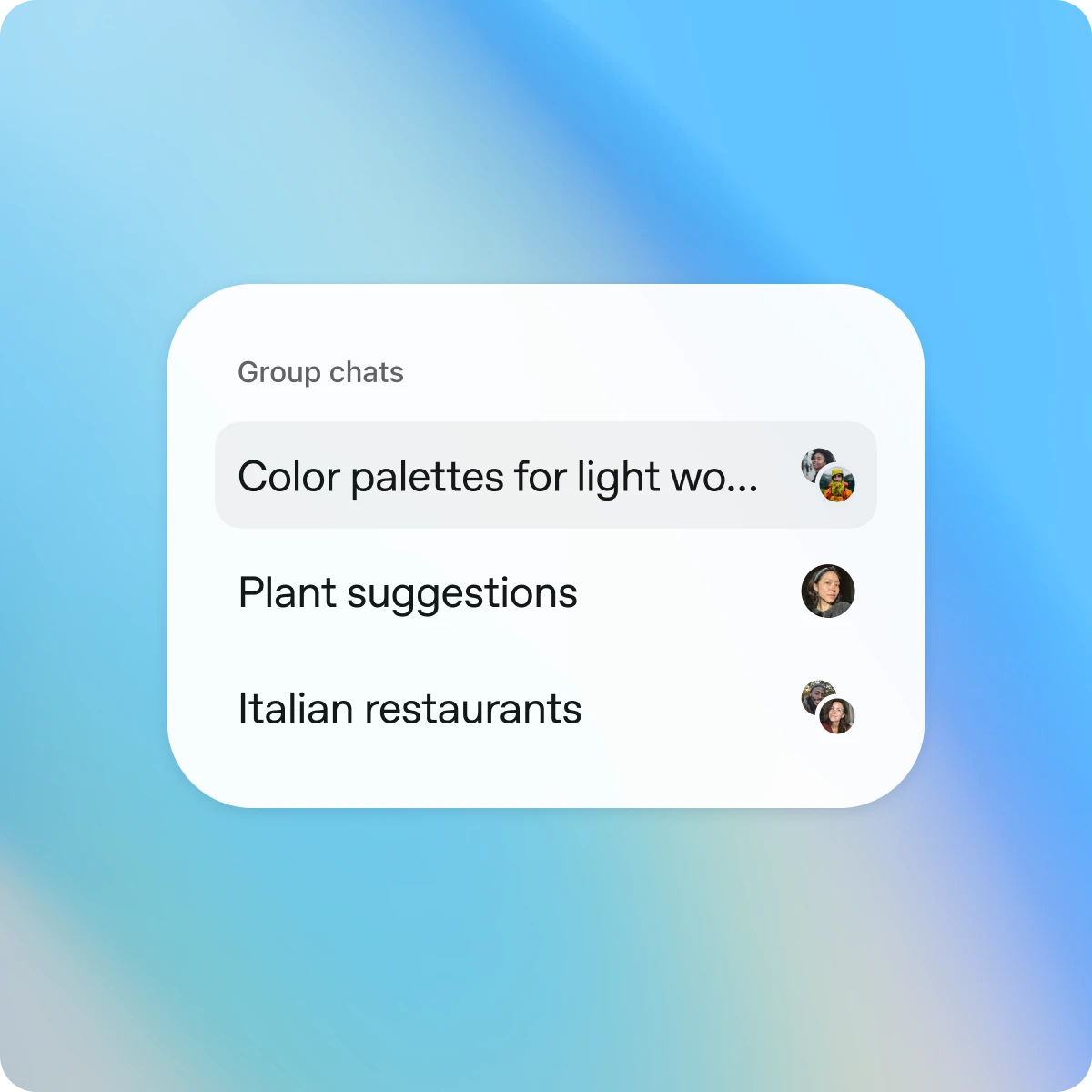
ChatGPT തുറന്ന്, പുതിയതോ നിലവിലുള്ളതോ ആയ ഒരു ചാറ്റിന്റെ മുകളിൽ വലത് ഭാഗത്തുള്ള ആളുകളുടെ ഐക്കൺ ടാപ്പ് ചെയ്യുക.

Designed for shared conversations
Separate by design
Group chats are separate from your individual conversations. Your personal ChatGPT memory is never shared or used in group chats.
Simple and intuitive
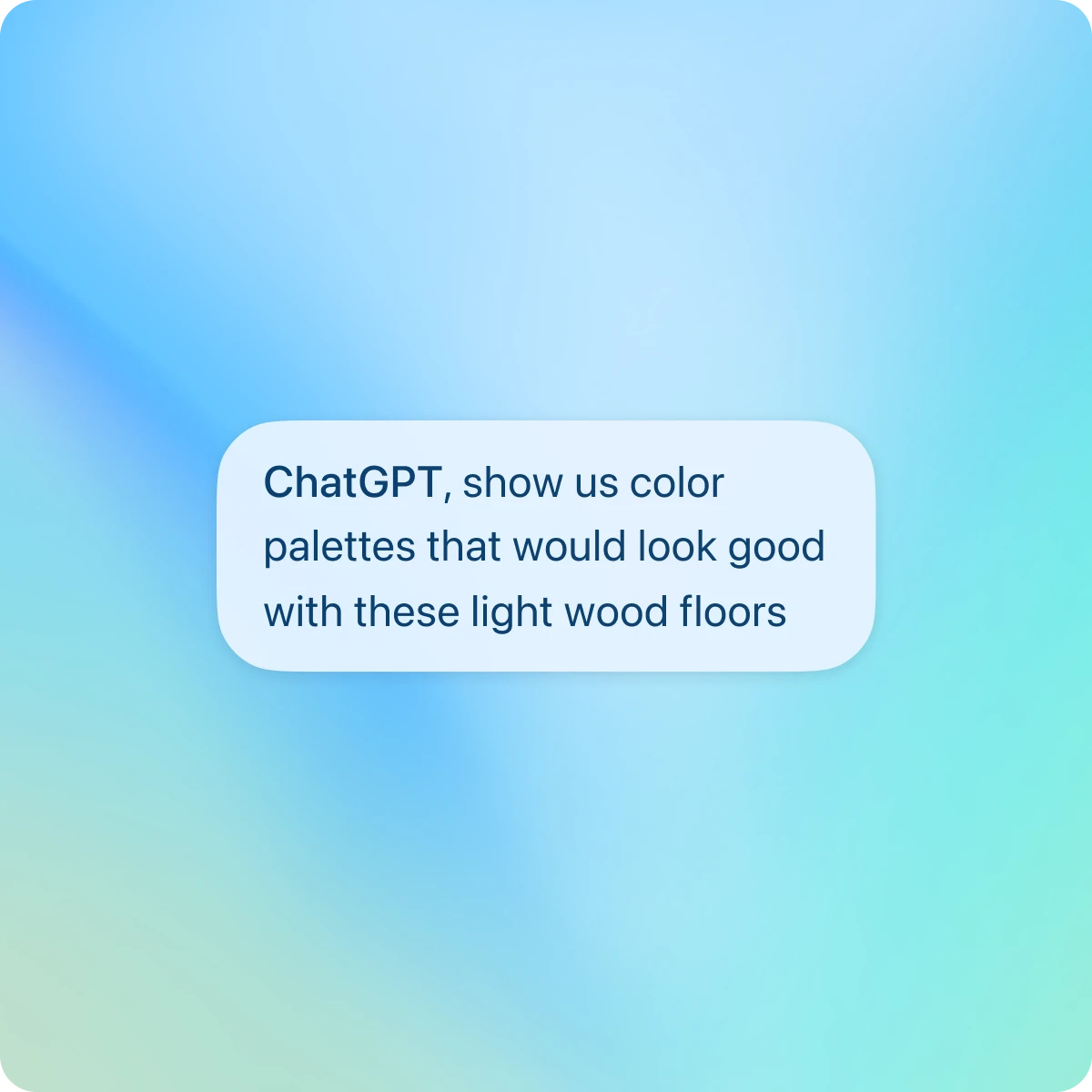
Group chats work just like your regular conversations—only now, others can join, too. They support search, file upload, image generation, and dictation.
You’re in control
Join by invitation only. You can see who’s in the chat, add or remove participants (except the creator), or leave anytime.
More ways to collaborate
See it in action
Explore more
- Voice ഉപയോഗിച്ച് സംസാരിക്കുക
ആശയങ്ങൾ ചിന്തിക്കാൻ, ഘട്ടം ഘട്ടമായ സഹായം ലഭിക്കാൻ, അല്ലെങ്കിൽ പ്രശ്നങ്ങൾ യഥാർത്ഥ സമയത്ത് പരിഹരിക്കാൻ നിങ്ങളുടെ ക്യാമറ ഉപയോഗിച്ച് ChatGPT-യുമായി കൈകളില്ലാതെ ആശയവിനിമയം നടത്തുക.
- ChatGPT-ൽ ഡീപ്പ് റിസേർച്ച്
ChatGPT-ന് ഒരു വിഷയം ഏൽപ്പിച്ച് ഒരു സമഗ്രമായ റിപ്പോർട്ട് ലഭ്യമാക്കുക.
- Atlas ഉപയോഗിച്ച് വെബ്ബ് ബ്രൗസ് ചെയ്യുക
Atlas, ഞങ്ങളുടെ AI-സാധിത ബ്രൗസർ ഉപയോഗിച്ച് പേജുകൾ സംഗ്രഹിക്കാനും, products താരതമ്യം ചെയ്യാനും, വിവരങ്ങൾ വിശകലനം ചെയ്യാനും, അല്ലെങ്കിൽ വെബിൽ വിവിധ നടപടികൾ സ്വീകരിക്കാനും.